Client delivery
How to Send Large Video Files
Email stops at 25 MB. Here is how to send large video files by email link, cloud, transfer services, iPhone and hosting — with limits, upload times and what keeps the original intact.
Read the guideStreamable alternative
Streamable is the fastest way to drop a clip into a chat. But a final video for a client is more than a clip. They need a 4K master with no recompression, a page with no third-party ads, and a link that still opens six months from now. A Streamable alternative built for this kind of work is VodSpot’s private video hosting: files up to 50 GB, the exact original, and a delivery page with a password and an expiry date.
✓ 7-day free trial 5 GB included No credit card
Streamable vs. VodSpot
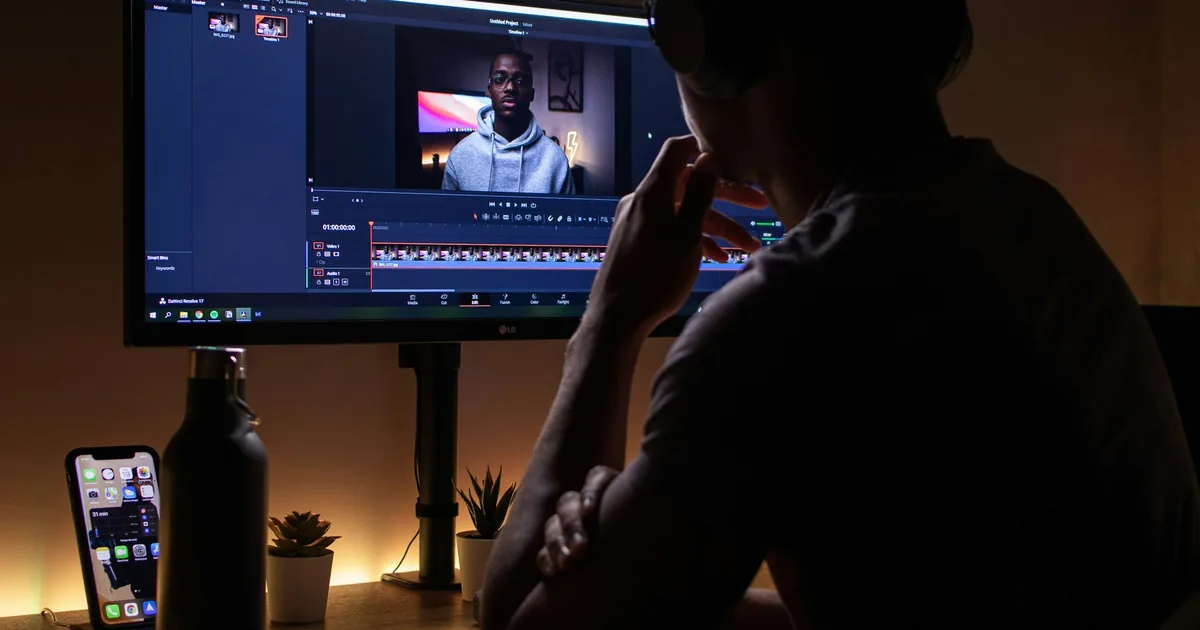
Tom edits social video at an agency in Columbus. He sends a dozen Streamable links a day: a vertical cut to the account lead, a version with different music to the art director. It’s convenient, and there’s nothing to fix there. The trouble started the day a Streamable link went to a client as the final cut. That’s when you need a Streamable alternative—and that’s what this page is about.
| VodSpot | Streamable Free | Streamable (paid) | |
|---|---|---|---|
| What it’s for | Private hosting and delivery of finished work | Sharing a clip fast | Sharing a clip fast |
| File size | Up to 50 GB (Solo, Pro), 100 GB (Studio) | 250 MB and 10 minutes | “No size or length limits” |
| How long videos are kept | Until you delete them | 90 days | Pro and Business — until you delete them; the FAQ doesn’t mention Basic |
| Ads in the player | No, on all plans | “Ad-supported playback” | No |
| Original | Stored byte for byte, downloads as is | Compressed on upload | Compressed on upload |
| Stream quality | Up to 4K (2160p, 1080p, 480p) | HD | 4K |
| Default access | Private link; password or viewer email sign-in | “Link Only” — anyone with the link can watch | Same; password and “Only Me” options available |
| Link expiry date | ✓ on all plans | — (not listed among the privacy settings in the help center) | — (not listed among the privacy settings in the help center) |
| Embeds only on your websites | ✓ on all plans | —No | On Pro: “Video security for your domain” |
| Bandwidth | No bandwidth fees | Not specified | Pro — 2 TB per month, Business — 3 TB |
| Price | Solo $24/month ($240/year) | $0 | Basic $12.99, Pro $19.99, Business $49/month |
Streamable prices and terms from its official pricing page, help center, and terms of service, checked November 2026.
One real file
Result Won’t upload
Result Uploads as is
No ads, no 90-day clock
Assumes a 4K H.264 or H.265 master at ~50 Mbps: 6 min × 50 Mbps ÷ 8 ≈ 2.25 GB. To squeeze under 250 MB, you’d have to cut the bitrate to ~5.5 Mbps—nine times lower. Streamable’s paid plans lift the cap and the ads: Pro at $19.99/month is $4.01 (17%) cheaper than Solo, and Basic at $12.99 is $11.01 (46%) cheaper. But Streamable’s help center describes compression on upload with no plan exceptions, so for masters, a Streamable alternative is about the original, not the price. Prices from streamable.com/pricing, November 2026.
What your client sees
Tom sent his client—a regional coffee shop chain—the final 30-second video for its winter campaign. The file was light, under 250 MB, and the link went out in a minute. An hour later, the marketing director forwarded it to her boss. He opened the video the agency had spent three weeks on and saw someone else’s ad running next to it. Streamable doesn’t hide this: on the free plan, “ads will appear next to your videos when they are shared.”
A small thing? People don’t think so. BJ Fogg’s Stanford Persuasive Technology Lab, together with Consumer WebWatch, asked 2,684 people to rate how much they trusted real websites. Most often—in 46.1% of comments—people talked about how a site looked, not what it said. Ads came up in 13.8% of comments. In your client’s mind, your video and the page it opens on are one impression.
Ads cost money and attention, even when the viewer is paid to be there. Daniel Goldstein, Preston McAfee, and Siddharth Suri recruited 1,223 people on Amazon Mechanical Turk to sort emails and paid them per email. Some saw annoying ads, some saw calm ones, and some saw none. People shown annoying ads quit sooner: to get the same 1,000 impressions, you’d have to pay them $1.53 more than people working on an ad-free page. Even calm ads cost more than an empty page. The study was presented at the WWW 2013 conference.
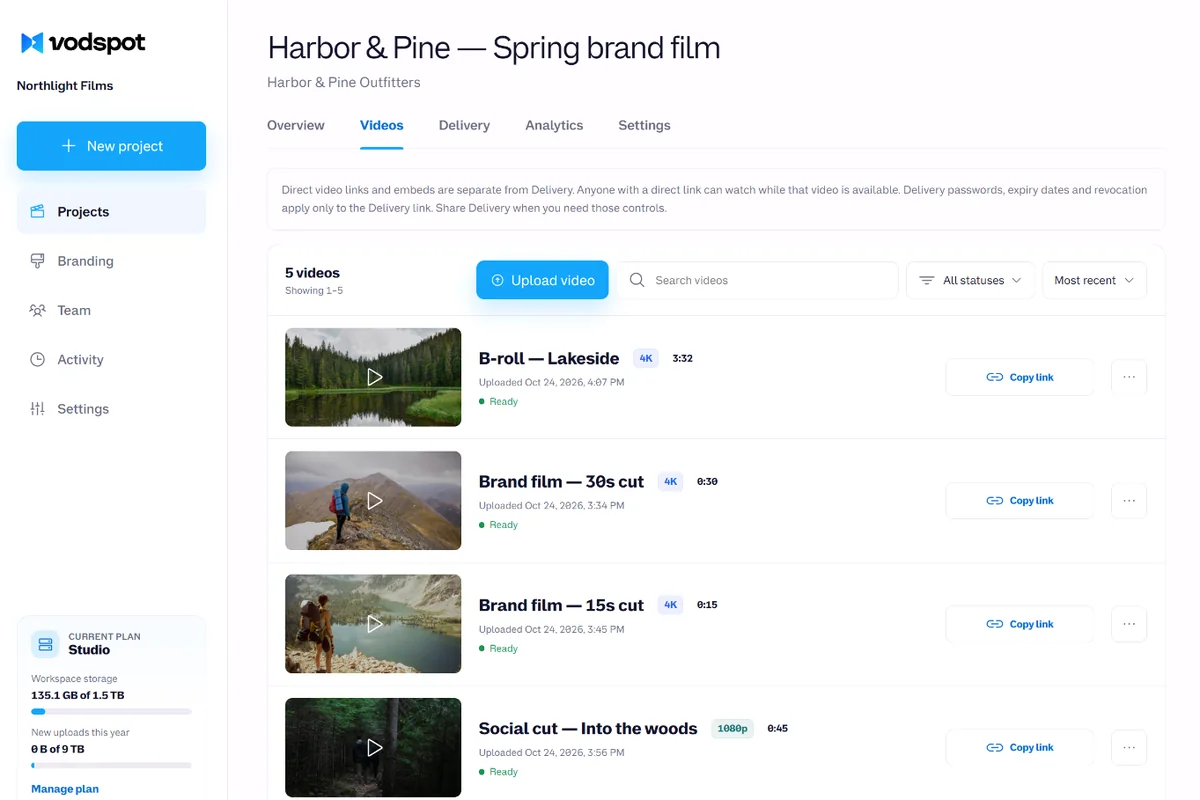
A good Streamable alternative takes everything but your work out of the frame. That’s when Tom realized he needed a Streamable alternative for finals, not a new way to send clips. VodSpot shows no ads on any plan and no related videos when the film ends. The client sees your logo, colors, and font, a cover, a short message, and a Play button. You can see the whole page on client video delivery.
Three weeks of work shouldn’t share a screen with a sneaker ad.
Links that last
The winter campaign ended, and everyone forgot about the video. In April, the client decided to rerun it for spring, opened Tom’s old email, and clicked the link. The video was gone. Free Streamable keeps videos for 90 days, and the help page says so plainly: videos from free accounts are “automatically deleted after 3 months (90 days).” Uploads without an account are archived after 24 hours.
Dead links aren’t one service’s problem; they’re the whole internet’s. Martin Klein and his colleagues from Los Alamos National Laboratory and the University of Edinburgh reviewed more than 3.5 million scholarly articles published from 1997 to 2012. One in five articles in science, technology, and medicine suffers from “reference rot,” and so do seven out of ten articles that link to web pages. The study was published in PLoS ONE. If links break even in science, where people work hard to preserve them, a link in an email to a client won’t survive without your help.
Streamable also has a longer clock that few people know about. Under its terms of service, an account with no sign-ins and no active plan for 36 months counts as inactive, and then “we may delete your account and the Content associated with it.” For a game clip, that’s reasonable. For a studio portfolio, it’s a reason to check where your finals live.
A Streamable alternative for client work puts the expiry date in your hands. On VodSpot, a delivery page stays live until you revoke it: set it to expire in 7, 30, or 90 days, pick your own date, or set no expiry at all. A reminder goes out three days before it expires. Revoking takes effect right away, and anyone already watching is cut off within about a minute. The video stays stored until you delete it. One caveat: if your paid subscription ends, the workspace turns read-only for 14 days, public links are switched off, and then projects, videos, and delivery pages are deleted—so keep a copy of your master.
You should decide when a link dies, not a service’s timer.
Your master, not a copy
In May, Tom landed his biggest job of the year: a 6-minute branded film for the same coffee shop chain, 4K, about 2.25 GB. Streamable Free wouldn’t take the file: the limit is 250 MB and 10 minutes. A paid plan lifts that limit but not the other one: “Videos are compressed automatically when uploading for optimal viewing across various devices and internet speeds.” The help center says nothing about keeping the original, and it describes downloads in the player’s quality settings. That’s perfect for a clip in a chat. For a client who’s sending the film to TV or to the screens in their coffee shops, it isn’t.
On VodSpot, the original is never re-encoded. A separate stream up to 4K—2160p, 1080p, and 480p—is made from it, so the film plays fast on a phone on the subway and on a big screen in a conference room. And the download button delivers the same file you uploaded, with the same name, byte for byte. Large files upload in parts and resume on their own after a dropped connection. If you need to send files like these without quality loss by any method, we have a breakdown of seven options.
The other half of the job is your client’s attention. Gloria Mark of the University of California, Irvine, and her colleagues from Microsoft Research spent two weeks logging what happened on the screens of 40 office workers. The median time people kept their attention on a single screen was 40 seconds. The work was presented at the CHI 2016 conference. Your client opens the link between two calls, and the page has less than a minute to explain itself.
So a Streamable alternative for delivery isn’t a bare player but a page: a cover, a title, “Prepared for” with the client’s name, a couple of lines of message, and a list of films. Next to each film are its size and a download button, if you’ve allowed downloads. When the client opens the page and downloads the file, you get an email. Tom now knows the master was downloaded on Tuesday and doesn’t have to write an awkward “Did you watch it?” We walk through setting up this kind of delivery step by step in how to share videos privately with clients.
Clients don’t remember the bitrate. They remember the first forty seconds.
Switch in an evening
You can try this Streamable alternative free for 7 days with 5 GB, no card required. Your whole 2.25 GB master fits in the trial as is. Prices for every plan are on the Pricing page.
FAQ
On the free plan, Streamable deletes videos after 90 days, and uploads without an account are archived after 24 hours. On Pro and Business, videos are deleted only at your request, though under the terms of service, an account that’s been inactive for 36 months may be deleted along with its content. VodSpot keeps videos until you delete them, as long as your plan is active.
Free Streamable accepts files up to 250 MB and up to 10 minutes long; paid plans have no size or length limits. VodSpot, a Streamable alternative for client work, allows 50 GB per file on Solo and Pro and 100 GB on Studio, so 4K masters upload without compression or trimming.
Yes. According to Streamable’s help center, videos are “compressed automatically when uploading,” with no plan exceptions. VodSpot keeps the exact original separately from the stream and gives the client the same file you uploaded.
On the free plan, yes: “Ad-supported playback,” with ads next to your videos when they’re shared. Paid Streamable plans are ad-free. VodSpot has no ads on any plan, including the trial.
By default, Streamable videos are “Link Only”: anyone with the link can watch. You can turn on a password or “Only Me,” and on Pro you can restrict embed domains. VodSpot is private from the moment you upload, and every delivery page gets a password, an expiry date, and one-click revoke. Pro adds viewer email sign-in.
If you deliver work to clients, the best Streamable alternative is a service that keeps the original, shows no ads, and doesn’t delete links on a timer. VodSpot is built for exactly that; you can try it free for 7 days with 5 GB, no card required. If you just want to share a public clip in a chat, Streamable itself is still an excellent choice. For a comparison of other Streamable alternatives and delivery platforms, see our video delivery platform roundup.
Yes, with caveats: the free plan puts ads next to the video, caps files at 250 MB, and deletes them after 90 days. On any plan, the video is compressed on upload. That’s fine for drafts in a chat. The final video is better delivered through a Streamable alternative with a real delivery page: the exact original, a password, an expiry date, and an email when the client downloads the file. That’s how VodSpot works.
Upload your masters to VodSpot from your own drive, not copies from Streamable: those are already compressed. Create a delivery page, send the client the new link, replace the embed codes on your websites, and switch the old Streamable videos to “Only Me” or delete them. The steps are in the section above.
Guides
Client delivery
Email stops at 25 MB. Here is how to send large video files by email link, cloud, transfer services, iPhone and hosting — with limits, upload times and what keeps the original intact.
Read the guidePrivate sharing
Choose the right access controls, package the viewing experience, and test every client path before you send the link.
Read the guideClient delivery
The best video delivery platforms for videographers, studios and agencies: 10 tools compared on client experience, original files, link lifetime, branding and real yearly cost.
Read the guideKeep exploring
Start with seven days and 5 GB. No credit card required.