Video hosting for nonprofits

Video hosting for nonprofits that respects donors and the people on screen

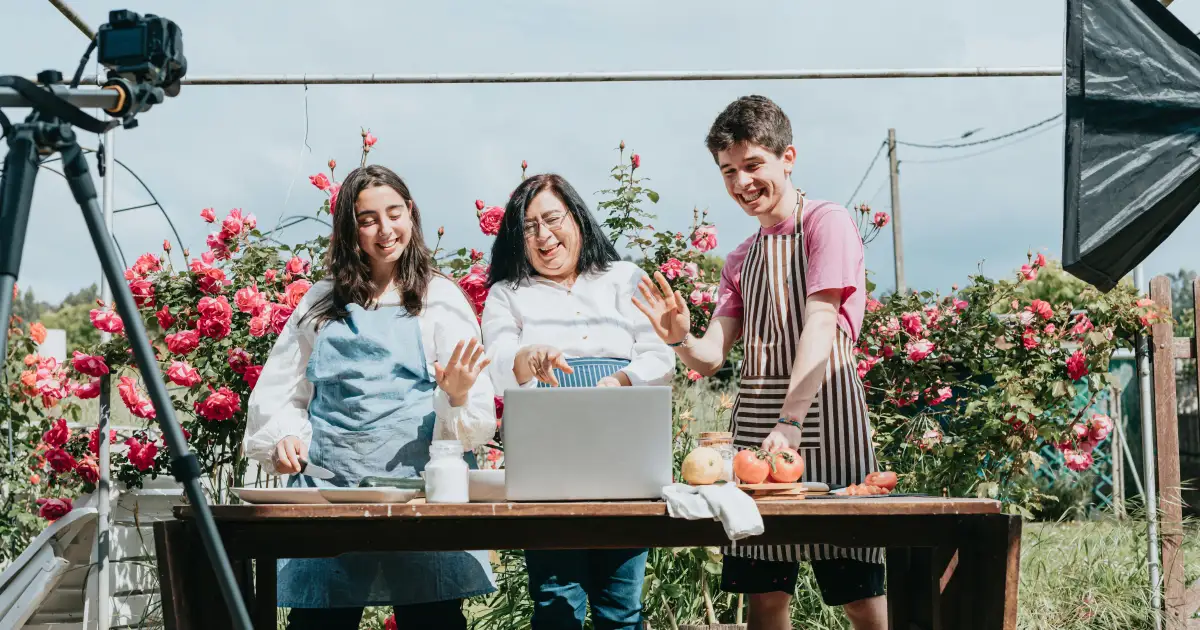
A nonprofit’s film has many audiences: donors who want to see where their money went, a board that wants the numbers, and the people in the film themselves. Video hosting for nonprofits at VodSpot gives each of them a private door. Your campaign film plays on your donation page with no ads or third-party trackers. Donor updates open with email sign-in. And the people featured get their own private page with their film.

  • Donor updates with email sign-in
  • No ads or third-party trackers
  • A private page for the people on screen
  • A Donate button in the player

✓ 7-day free trial 5 GB included No credit card

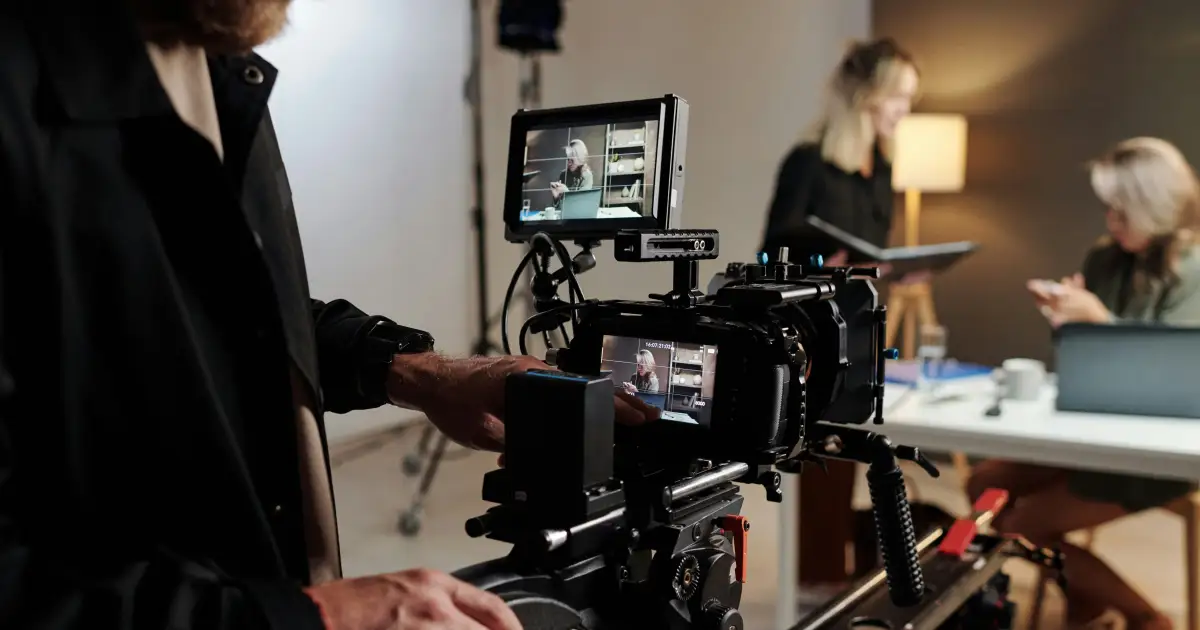
Nonprofit staff member filming an interview for a donor update

Audiences

Video hosting for nonprofits: the right door for every audience

Claire is the development director at a six-person housing foundation in Spokane. This spring, she filmed a mother of two who got the keys to an apartment after eight months in a shelter. One story, one four-minute film—and six audiences, each of which needs it in its own way.

Audience Typical video How to share
The people in the film The finished film about them, before release Their own page with a password, in their language, with the original for download
Donors Program reports, thank-you films Email sign-in, so you see who opened it (Pro and above)
Board Meeting recordings, budget, strategy Password, expiry date, downloads off
Volunteers Training and onboarding Embedded on your volunteer portal, locked to your domains
Public Campaign film On your donation page: no ads, trackers, or someone else’s recommendations
Grantmakers and partners Program footage A delivery page with exact originals

One film, six audiences. Each one gets its own key.

Campaigns

A campaign film that ends on your Donate button

When a campaign film ends on a public platform, the next thing a viewer sees is someone else’s video. In a VodSpot embed, the film plays right on your donation page, with no ads or suggested videos. On Pro and above, your Donate button appears in the player and on the end screen, and clicks show up in analytics. Claire’s button appears on the last frame—the scene where the mother opens the door for the first time.

Donors also care what happens to their data. In a 2024 BBB Wise Giving Alliance (Give.org) survey, 60.7% of American adults said it’s important that an independent review checks whether a charity protects donor information. The VodSpot player uses no ad networks or third-party trackers and doesn’t store IP addresses, and embeds load lazily, so they don’t get in the way of your donation form. Video hosting for nonprofits shouldn’t know more about your donors than you do.

Add SRT or VTT subtitles—up to 20 tracks per video—and the story works with the sound off and in a second language.

Someone who watched to the end has already decided. Don’t hand them over to the next video.

  • No ads or suggested videos
  • Donate button in the player (Pro and above)
  • No third-party trackers, no IP addresses stored
  • Subtitles, up to 20 tracks per video
Campaign film with a Donate button on a nonprofit donation page

The math

One year of video for a small foundation

Claire’s foundation doesn’t get to pick its Vimeo plan: under the rules Vimeo updated on June 30, 2026, a nonprofit’s account belongs on a business plan, and the most affordable one is Studio. Details are on the VodSpot vs Vimeo page.

Vimeo Studio

Studio, $400/month billed annually × 12
$4,800
Seats
10
Storage
10 TB
Bandwidth
36 TB a year

Total $4,800 a year

VodSpot Pro

Pro, billed annually: 10 months at $59
$590
Seats
3
Originals
500 GB
Viewer email sign-in
up to 400 donors and board members
Donate button in the player
included
Bandwidth
no fees

Total $590 a year

$4,210 less (−87.7%)

Prices checked November 7, 2026. In the Nonprofit Finance Fund’s 2025 survey of 2,206 organizations, 36% of US nonprofits ended 2024 with an operating deficit, the highest share in ten years of the survey. So the total matters, and so does the fact that it doesn’t grow: if the campaign film takes off, your VodSpot bill stays the same. VodSpot has no separate nonprofit discount; Vimeo offers a one-time promo code for US 501(c)(3) organizations, on the first purchase only. If one person does all the video work, Solo at $240 a year is enough. If you need live streaming or more than about 4.5 TB of originals online, Vimeo Studio is the better deal. A nonprofit needs a bill that doesn’t grow in its best month.

Video hosting for nonprofits, explained

What is video hosting for nonprofits?

Video hosting for nonprofits is hosting where the same video works for everyone: the public, donors, the board, and the people on screen. Each of them gets their own access, and nobody sees what they don’t need to.

Start with YouTube, because it’s genuinely good at this. With a Google for Nonprofits account, an organization can join the YouTube Nonprofit Program and get “Link Anywhere cards”—links from videos to “external campaign landing pages.” US 501(c)(3) organizations can collect donations through YouTube Giving, and, according to YouTube, “100% of contributions go to the nonprofit.” For reach, there’s no better place.

But YouTube is public by nature. Even an unlisted video, in the words of YouTube Help, “can be seen and shared by anyone with the link.” For a trailer, that’s a plus. For a board budget session or a shot that shows which school the children go to, it isn’t.

Here’s how Claire does it. A one-minute trailer goes on YouTube, for reach. The full film plays in the VodSpot player on the spring campaign page. Claire emails donors a report with a link to the film, the board gets a version with the numbers behind a password that expires in 30 days, and the mother in the film gets a page of her own. One project, no extra copies of the file. How to split a foundation’s videos by access level is covered in our article on video hosting for nonprofits.

YouTube brings people to your story. Your hosting decides who gets to see all of it.
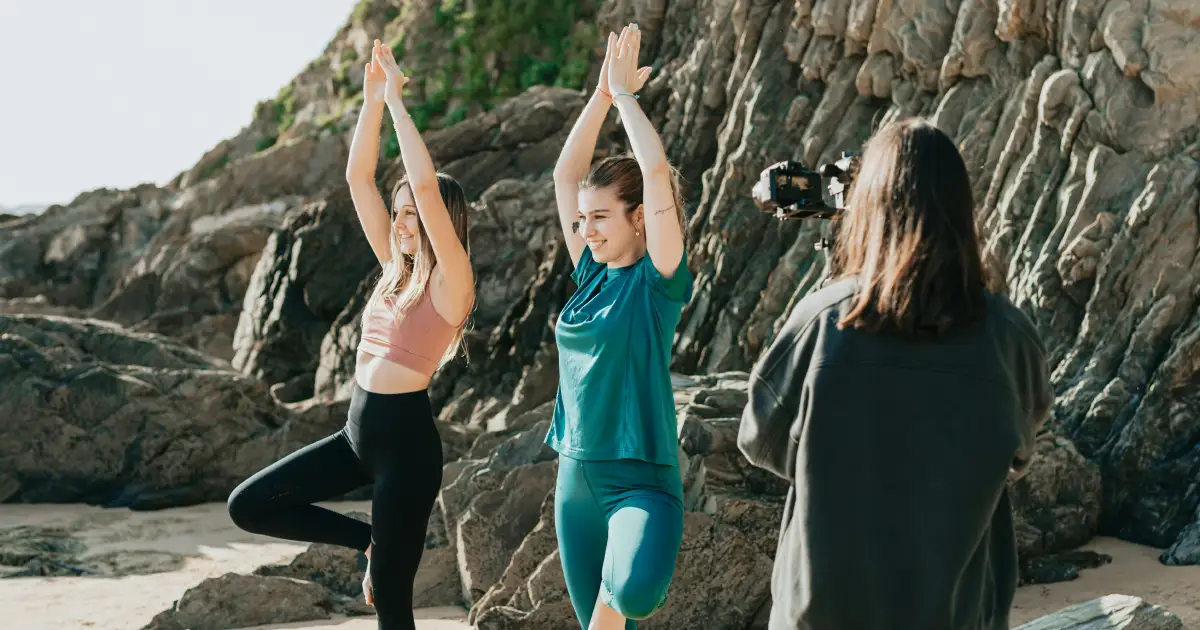
One face in the frame: the power of a story and the price of consent

Fundraisers know it: people give more to one person than to many. In 2005, psychologists Tehila Kogut and Ilana Ritov put that to the test. Students at the Hebrew University of Jerusalem got 10 shekels for taking part and could donate some of it to help seriously ill children. Some saw one child, with a name, an age, and a photo. Others saw eight, also with names and photos. The single child drew 6.37 shekels on average; the group of eight drew 3.22—almost half as much. The conclusion of their paper in the Journal of Behavioral Decision Making is simple: the pull of a story comes from one person, not from an identified group.

That’s why a good nonprofit film is almost always about one person. But a recognizable person is also a vulnerable one: a family without a home, a teenager recovering from treatment, refugees. The campaign ends in a month; their faces stay online for years.

Video hosting for nonprofits should let you do both: share the story widely and keep control. The public version of Claire’s film leaves out the shot of the school sign that shows where the children go. The full version is for the board only, with a password and an expiry date. And any page can be unpublished in one click while the others keep working.

One story raises more money. And one story has a lot to lose.

Donor reports: show where the money went

A report that says “we helped 38 families” sounds impressive and changes almost nothing. Cynthia Cryder, George Loewenstein, and Richard Scheines tested this in a 2013 study published in Organizational Behavior and Human Decision Processes. Passersby got $2 for taking part and could give some of it to Oxfam. Some read a general description of the charity; others got one concrete detail: thanks to Oxfam, villagers in West Africa have access to clean water. With that detail, donations rose by more than 80%. But a detail that didn’t show what the help achieved added nothing. What moves people is the feeling that their money made a difference.

And donors think long term: in the same Give.org survey, 46.0% of Americans called long-term results very important, while only 23.9% said the same about immediate results.

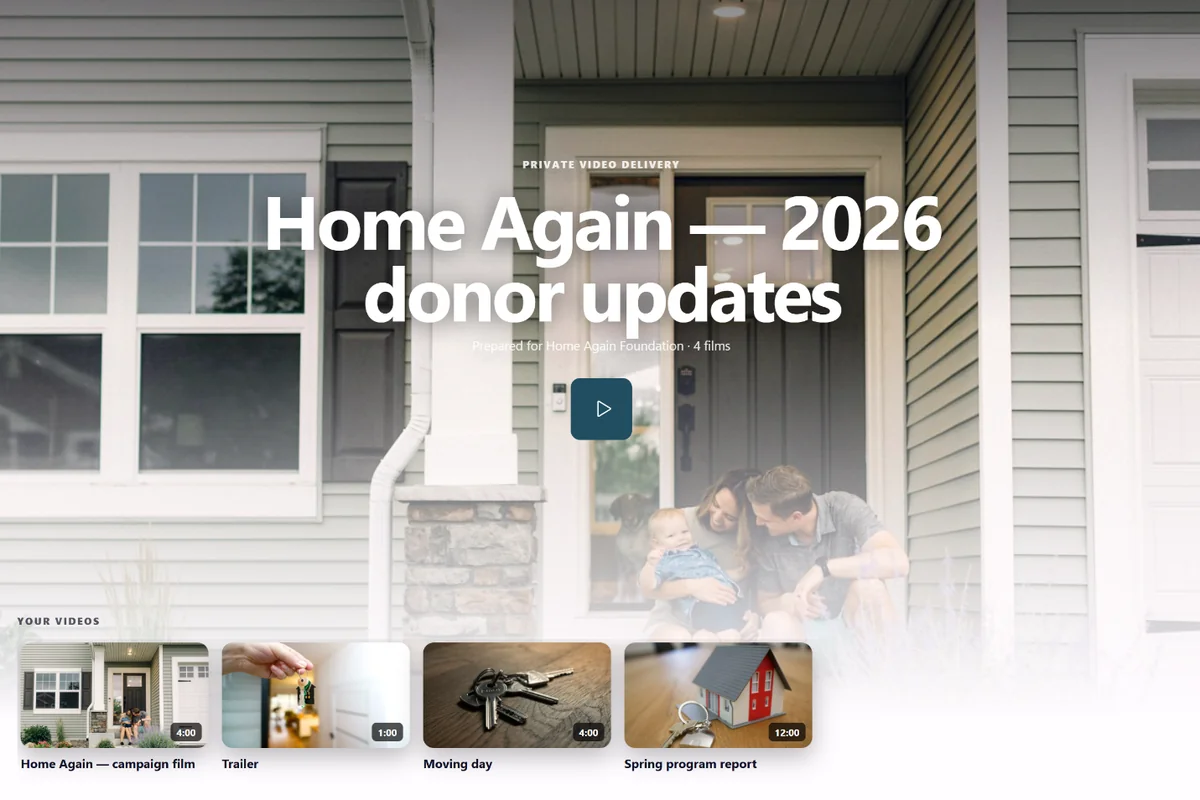
That’s how Claire’s donor page is built: one page per year, a new film each season, up to 100 videos. The films have chapters by program: “Rent Help,” “Moving Day,” “First Month at School.” On Pro and above, donors sign in with their email and a one-time code. Claire sees which donors opened the page and how much of each film people watch on average. The four-minute moving-day film gets watched to the end; the twelve-minute report, barely a third of the way. The fall report will be shorter. It’s all in analytics, with CSV export.

That’s how video hosting for nonprofits turns reporting from a chore into a reason to come back—especially with that one detail: “your $500 paid for this family’s first month of rent.”

The donor doesn’t remember the report. They remember the key in the lock.

Give the film back to the people in it

In 2017, Save the Children UK did something few organizations dare to do: it asked the people in its photos and films what they thought of them. Researcher Sarah Warrington, with Jess Crombie, spoke with 202 children, women, and men in the UK, Jordan, Bangladesh, and Niger. All of them had consent forms. But in Jordan, Bangladesh, and Niger, many didn’t fully understand why they were being filmed. And of the 44 contributors outside the UK, only one had received a copy of their photo. The report, “The People in the Pictures,” recommends making it standard practice to give people the material about them and providing “a clear channel of communication for contributors to be able to withdraw consent.”

A large organization published this about itself. For a small foundation, following its advice is far easier. At Claire’s foundation, the mother in the film gets her own delivery page. The page is in Spanish—VodSpot shows the buttons, the password screen, and the code email in six languages. The page has its own password and Spanish subtitles, and the original film can be downloaded and kept. The mother sees the film first, before the campaign launches, and forwards the link to her sister in Hermosillo.

If someone changes their mind, closing their story takes a moment. Unpublish takes the page down, Regenerate link cuts off every embed of the video, and players that are already open stop within about a minute. Deleting the video erases the original, the copies, the poster, and the subtitles. Downloaded files can’t be revoked, so allow original downloads only for the people in the film and for partners. How to keep recordings like these for years and remember who agreed to what is covered in our article on the community video library.

Consent isn’t a signature before filming. It’s a door that opens both ways.

How to choose video hosting for nonprofits: eight questions

Ask any service these questions before you trust it with the stories of the people you serve:

  • Are videos private from the moment they’re uploaded?
  • Can I create a separate page for each audience? With its own password, expiry date, and language.
  • Can I see which donors opened the report? Not just one shared link for everyone.
  • Is the player free of ads, suggested videos, and third-party trackers? And does it avoid storing IP addresses?
  • Can I add a Donate button to the player? And count the clicks?
  • Can I close one page without affecting the others? And do players that are already open stop?
  • Are there subtitles in several languages, and chapters? Accessibility is part of the mission; read more in our article on subtitles and accessible video.
  • Does the bill go up if the film goes viral?

Video hosting for nonprofits at VodSpot answers “yes” to the first seven questions and “no” to the last one. The Donate button and email sign-in come with Pro and above; everything else is on every plan. What’s missing: live streaming (stream the gala wherever you like and upload the recording here), payment processing (the button leads to your own donation form), and automatic subtitles (upload SRT or VTT). And how to share a password with the board without it leaking is in our video password guide.

The best hosting for a nonprofit is invisible. All anyone sees is the story and the button.

FAQ

Frequently asked questions

What is the best video hosting for nonprofits?

For private videos and donation pages, choose video hosting for nonprofits like VodSpot: donor reports with email sign-in, password-protected board recordings, and an ad-free campaign film with a Donate button. For reach, use YouTube.

Can we share board recordings securely?

Yes: a password, an expiry date, downloads off, and on Pro and above, email sign-in for board members only. At the end of a meeting cycle, unpublish the page—open players stop within about a minute.

Do supporters need an account to watch?

No. All they need is the link and, if you set one, the password. With email sign-in, the viewer enters their address and the code from the email; no account needed.

Can we add a Donate button to the video?

Yes, on Pro and above: a button during the video or on the end screen links to your donation form, and clicks show up in analytics.

Does VodSpot offer nonprofit pricing?

There’s no separate discount: the price is the same for everyone, and paying yearly costs 10 months instead of 12: Solo $240, Pro $590, Studio $1,490 a year. There are no bandwidth fees, so a successful campaign won’t change your bill. The free trial lasts 7 days, with 5 GB and no card required.

Is YouTube good for nonprofits?

For reach, yes: there’s the Nonprofit Program, and US 501(c)(3)s can raise money through YouTube Giving. But anyone can pass along a video shared by link, so keep donor reports and board recordings on video hosting for nonprofits with a player you control.

How do we share a film with the people featured in it?

Create a separate delivery page for them: its own password, their language, subtitles, and the exact original for download. Send it before the campaign launches.

What if someone withdraws consent?

Unpublish their page, and for the film on your website, click “Regenerate link” or delete the video—players that are already open stop within about a minute. Downloaded copies can’t be recalled, so turn on downloads only where they’re needed.

Guides

Go deeper on the blog

For nonprofits

Show donors where their money went

Start with seven days and 5 GB. No credit card required.