Course lessons
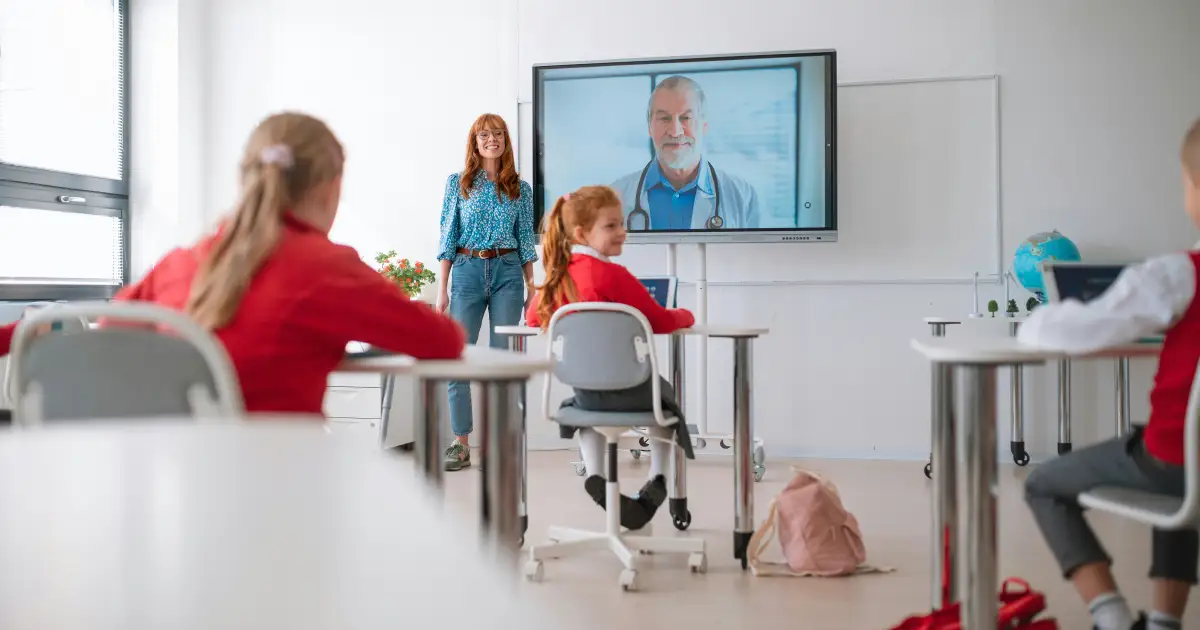
Lessons embedded in your course site. See video hosting for online courses.
Video hosting for education
Host lessons, lectures and school video without ads, recommendations or public channels. Embed them in your LMS or website, add subtitles for every learner and keep libraries organized year after year.
✓ 7-day free trial 5 GB included No credit card
Use cases
Lessons embedded in your course site. See video hosting for online courses.
Organized collections by subject, year or class. Read private video libraries for schools.
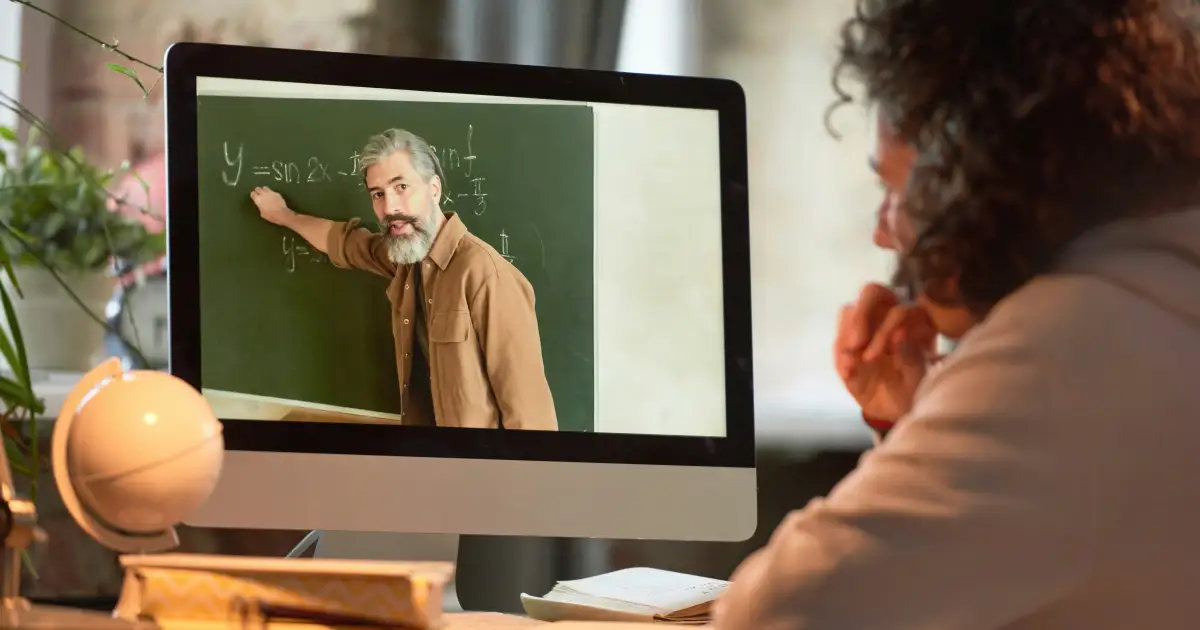
Recorded lectures kept private and easy to find.
Professional development videos for staff only.
Performances and ceremonies shared with families behind a password.
Subtitles in every language your learners need.
Embed anywhere
Paste the embed code into Moodle, Canvas or any page builder that accepts iframe embeds. Students watch an ad-free player with no suggested videos pulling them away from the lesson.
Add your school or course domains in settings and the embed will only play inside them. Copied elsewhere, it stays blank.
Accessibility
Upload SRT or WebVTT subtitle files for each lesson in as many languages as your students need. Learners switch them on in the player — in embeds, share pages and delivery pages alike.
Captions help students who are deaf or hard of hearing, learners studying in a second language and anyone watching without sound. Read our guide to accessible video hosting.
FAQ
One without ads or recommendations, with subtitles for accessibility and embeds that work inside your LMS. VodSpot adds domain-locked embeds and private links so lessons stay within your school.
Yes. Any LMS that accepts iframe embed code can show VodSpot videos, and you can restrict playback to your LMS domain.
Only if you enable downloads on a delivery. Embedded lessons are watch-only.
Yes. Upload SRT or WebVTT files in any language for every video.
Guides
Education
Lessons, assemblies, performances and staff training all end up as video. Here is how to turn them into a library people can find — and that only the right people can watch.
Read the guideEducation
Your LMS runs the course; your video host runs the video. Here is how the two fit together — and what each should and shouldn’t do.
Read the guideAccessibility
Accessible video is mostly about a few good habits: accurate captions, a player you can use without a mouse and a transcript for people who prefer to read.
Read the guideFor educators
Start with seven days and 5 GB. No credit card required.